Ex-Chemical Engineer • Mom of 3 in Prague • @momlearnstech

You didn't lose your analytical brain when you had babies. You just need a 20-minute system.

How an Ex-Chemical Engineer Mom of 3 turns 4 hours of digital business work into 20 minutes a day using AI. Grab the free 5-page Blueprint below or step inside The 20-Minute Mom Business Lab™ for a $37 launch price.

✓ Zero 2-Hour Video Fluff ✓ Interactive AI Studio App Included ✓ Reel Lab Studio: Start Reels From Your Phone ✓ Built for 20-Min Nap Windows
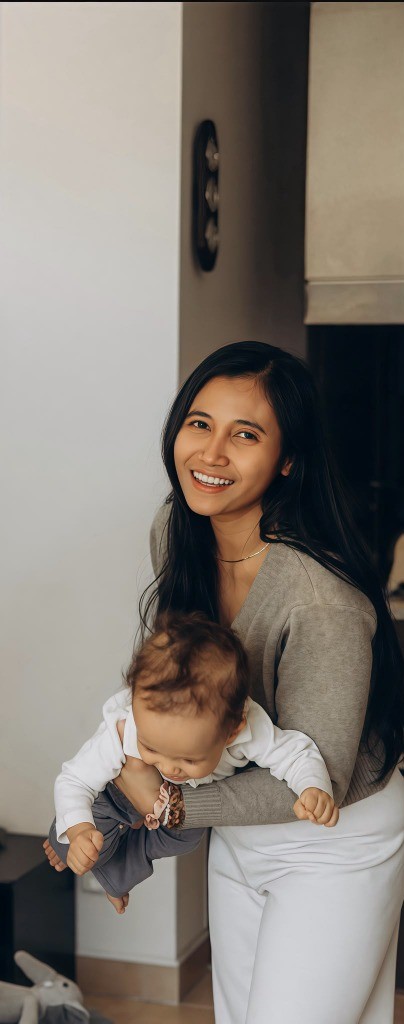
Mayang (@momlearnstech) with her baby
2-Part Puzzle Hook • Safe Zone
"I used to run chemical engineering labs."
"Now I build digital systems during 20-minute naps."
@momlearnstech • Comment LAB for the free Blueprint
See what's inside the Lab →
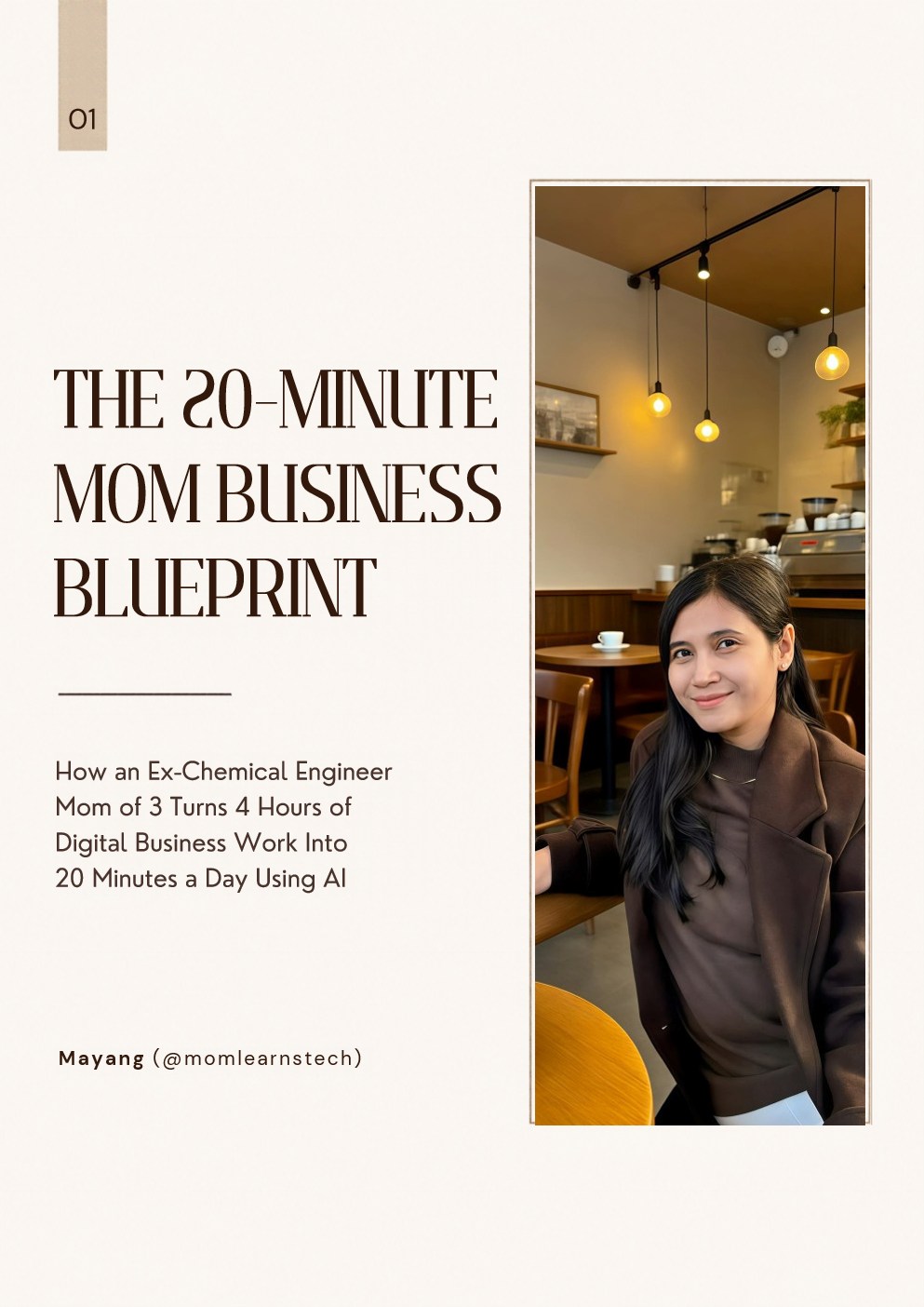
The 20-Minute Mom Business Blueprint Cover
Free 5-Page Ebook • Instant Read & PDF Download

The 20-Minute Mom Business Blueprint™

How an Ex-Chemical Engineer Mom of 3 Turns 4 Hours of Digital Business Work Into 20 Minutes a Day Using AI. Inside this free 5-page guide, you'll discover:

  • ✓ Page 01–02: Why I stopped hustling and engineered a 20-minute system instead
  • ✓ Page 03: The 20-Minute Tech Stack (The AI Brain + 60-Second Studio + Automated Cashier)
  • ✓ Page 04: Quick-Win Copy-Paste AI Prompt to generate 3 viral Puzzle Hooks in 60 seconds
  • ✓ Page 05: What's inside the full 20-Minute Mom Business Lab
📖 Read All 5 Pages Online → ⬇ Download Original 5-Page PDF
Mayang Vurmova (@momlearnstech) holding her baby
My Story • @momlearnstech

From Chemical Engineering to Mom of 3: Why I Stopped Hustling and Engineered a 20-Minute System Instead.

When I paused my career in chemical engineering to stay home with my 3 young kids, everyone assumed my analytical brain went on pause too.

I loved being present with my babies, but I deeply missed building something of my own. The problem? Almost all online business advice was built for people with 6 uninterrupted hours a day—not a mom working in 20-minute nap windows.

So I treated Instagram like a laboratory experiment—combining calibrated AI system prompts, 60-second natural-light Reels, and an automated DM cashier that runs while we're at the playground.

Step Inside My 20-Minute Lab ($37) →
3 AI Engines + Automated DM Funnel

Everything Inside The 20-Minute Mom Business Lab™

Build a simpler digital business with three calibrated AI Engines, an interactive 9:16 Reels Studio, and an automated comment-to-DM sales funnel.

AI Engine 01 • Content & Hooks

52 "Puzzle Hook" Vault

Search and filter 52 ready-to-film hooks across 5 psychological categories (Identity Contrast, 20-Min Nap-Time Reality, Silent B-Roll, High-Buyer Intent, and Anti-Hustle) with 1-click Copy buttons.

AI Engine 02 • Creation & Repurposing

6 Calibrated Master AI Prompts

Type your past career, kids stage, city, and keyword once. Our interactive engine rewrites all 6 Master Prompts for your exact identity—generating your Bio, your own Product Outline, and a full week of Reels in 60 seconds.

AI Engine 03 • Offers & Conversion

Automated DM Funnel + 5-Day Email Sequence

Copy and paste our exact ManyChat comment auto-replies, instant opening DM, 22-hour follow-up nudge, and complete 5-day email sales sequence—personalized automatically to you.

The 60-Second Studio • Visual Precision

Live 9:16 Reels Safe-Zone Simulator

Preview your 2-part Puzzle Hook (Modern Bold + Editor Italic) inside Instagram's 60% safe zone, test the 4 lighting presets on your own raw phone video, and auto-calculate spoken script jump cuts.

Included App • Auto-Edit

The Reel Lab Studio

Add a video, pick a look and a font, tap Make my Reel, on your computer or right from your phone. On talking Reels it cuts pauses and "um"s and adds captions. Depending on your video and look, it can also open with a Hook Flash, cut to your B-roll Shelf clips, add emoji and number pops, and end with a "Comment" card. Every Reel gets a Lab Score. See the Reel Lab →

Step-by-Step • 30-Day Roadmap

20-Page Playbook PDF

The complete method across 6 modules, with fill-in worksheets, a day-by-day 30-Day Sprint, a weekly scorecard and troubleshooting for when things stall.

The Reel Lab Studio • Included

Raw phone video in. A finished, polished Reel out.

No editing skills, no timeline, no CapCut Pro. You pick; the Lab does the cutting, the captions and the little details that make a Reel look finished.

✨ Simple Mode • Just 3 Steps

Made for a 20-minute nap window, from your laptop or your phone.

  1. 1
    Add your videoTalking to camera or a quiet clip: the Lab works out which it is.
  2. 2
    Pick a look & a fontCafé Morning, Lab Notes or Calm Golden Hour, plus one of 5 aesthetic font styles.
  3. 3
    Tap ✨ Make my ReelOn talking videos, pauses and "um"s are cut and captions added. Then save it to your phone, with a caption draft.

📱 Make Reels from your phone: open the Studio's private phone link, choose a video from your camera roll, tap Make, and save the finished Reel to your phone (on iPhone, the page walks you through Share → Save Video to put it in Photos). Your computer does the editing at home (it needs to be on with the Studio open, and your phone on the same Wi-Fi), so you can lock your phone while it works.

Lab Extra • Opening

⚡ Hook Flash

On talking Reels of 12 seconds or more, the Lab reads your whole video and looks for your most gripping line (a number, a question, a twist). When one stands out, it opens with a teaser of it (about 2 seconds), then your Reel plays from the start, like a little trailer. Calm Golden Hour leaves it off on purpose.

Lab Extra • Pro Cutaways

🎞️ Your B-roll Shelf

Film a few short clips once (coffee, laptop, toys on the floor) and name them. When you say that word in a talking Reel, it cuts to the clip for a moment while you keep talking (a few seconds apart, up to twice per clip), just like a pro editor would.

Lab Extra • Feedback

🧪 Your Lab Score

Every Reel gets a 0–100 check of the craft that keeps people watching (on talking Reels: strong first second, short title, pace, something new on screen, a clear ending; on silent Reels: title, length and movement) plus up to 2 tips for next time. It checks your editing; it can't predict views.

Lab Extra • Your Funnel

💬 "Comment LAB" Ending

On talking and voice-over Reels (8 seconds or longer), your own keyword pops up at the end, so viewers know exactly what to do, and your DM automation (Module 05) can send them your freebie. Silent Reels skip the card; their caption draft has your "Comment" line instead.

Privacy • For Moms

🙈 Hide Your Child's Face

Share real family moments and keep your kids' faces private. Draw a box over their face, then pick a 🤍 sticker or a blur. That spot stays covered for the whole Reel (the box doesn't follow movement), so use it when your little one stays in one place (on your lap, at the table), and watch your Reel before you post. It works on talking and single-clip silent Reels; B-roll Shelf clips aren't covered, so film those without faces.

Profile Grid • Cover

🖼️ Grid-Ready Cover

The Lab picks your sharpest frame and adds your title in your font, placed in the part your profile grid shows. Upload it as your Reel cover and your grid looks put-together.

5 Aesthetic Font Styles • Free For Commercial Use

Fonts that make your Reels look polished

Each style pairs a title font with an accent font that belong together. All are included and free to use in your business.

Nap timewatch this
Classic LabBold and clear, with an elegant italic.
Nap timewatch this
EditorialMagazine serif. Calm and expensive-looking.
Nap timewatch this
HandwrittenClean and bold, with a personal note.
NAP TIMEwatch this
Bold PopTall headline letters, easy to read at a glance.
Nap timewatch this
Soft ScriptSoft serif and a flowing script. Dreamy.

The Reel Lab Studio runs on your Windows or Mac computer (on Windows it installs its own tools the first time; the guide walks Mac users through a 10-minute setup). The editing happens on your own computer, so your videos never go to anyone's server.

Calm Engineer Math • Zero Cold DMs

Honest Launch Math for a Small Digital Product

No hype, just multiplication. The defaults are deliberately modest. Change them to see how a small product adds up:

Monthly Freebie Leads
360
People commenting your keyword
Monthly Sales (Scenario)
11
Checkout purchases
Monthly Revenue (Scenario)
$407
Before platform fees

An illustrative example, not a promise or a typical result. Your results depend on your niche, offer, consistency and audience.

Launch Price • One-Time Payment • No Subscription

The 20-Minute Mom Business Lab™

Build a simpler digital business with 3 AI Engines + Automated DM Funnel

✓ 20-Page Playbook PDF: 6 modules, worksheets, 30-Day Sprint and weekly scorecard
✓ AI Engine 1 — Content & Hooks: 52-hook Puzzle Hook Vault with search filters
✓ AI Engine 2 — Creation & Repurposing: 6 Master AI Prompts that personalize to you
✓ AI Engine 3 — Offers & Conversion: ManyChat DM scripts + 5-day email sequence
✓ The 60-Second Studio: 9:16 Safe-Zone Simulator, Edits light recipes and Script Timer
✓ The Reel Lab Studio app: 3-step Simple Mode on your computer or phone, Hook Flash, B-roll Shelf, 5 font styles, kid face cover, "Comment" ending and Lab Score, plus voice-over, silent and montage Reels (Windows & Mac)
Launch Price
$37 USD • then $47

Instant download after checkout: Playbook PDF + AI Studio app + Reel Lab Studio. Yours to keep.

✨ Get Instant Access For $37 →

Frequently Asked Questions

Honest answers from one analytical mom to another.

1. "I only have 20 minutes during nap time. Is that actually enough?"

Yes—because you aren't starting from a blank page anymore. The Interactive AI Prompt Engine writes your hooks and captions in 60 seconds, and 70% of the Reels you'll post are 7-second silent B-roll clips filmed one-handed while making coffee or pushing the stroller.

2. "Do I need a big following or prior tech/coding experience?"

Zero followers and zero coding required. I started @momlearnstech from scratch as a mom of 3. The interactive web app works in any browser on your phone or laptop with 1-click Copy buttons.

3. "How is this different from a $497 course or a $27 PDF ebook?"

Courses trap you in 40 hours of videos you don't have time to watch, and generic PDFs leave you staring at a blank page. This is a practical System-in-a-Box: a 20-page playbook, an interactive AI studio, 52 hooks, a 9:16 simulator, and copy-paste DM and email scripts.

4. "How do I get everything after I buy?"

Right after checkout you get a download link for the Lab bundle (.zip). Unzip it and open START-HERE-GUIDE.md. The AI Studio app opens in any browser on your laptop: no login, no subscription, and it works offline.

5. "Do I need CapCut Pro or video-editing skills for the Reel Lab?"

No. You add a video, pick a look and a font, and tap Make. All 5 font styles are included and free for commercial use. If you like to fine-tune, every Reel also comes as a no-text copy you can keep editing in Edits or CapCut.

6. "Can I make Reels from my phone?"

Yes. The Reel Lab Studio runs on your Windows or Mac computer, and gives you a private link for your phone. On your phone you choose a video, pick your look and tap Make; your computer does the editing (it needs to be on with the Studio open, and your phone on the same home Wi-Fi), and you save the finished Reel to your phone (on iPhone, the phone page walks you through Share → Save Video to put it in Photos).

7. "Will this make me money?"

I can't promise that, and I'd be wary of anyone who does. The Lab gives you a clear system and the tools to run it in 20 minutes a day. Your results depend on your niche, your offer and how consistently you show up.